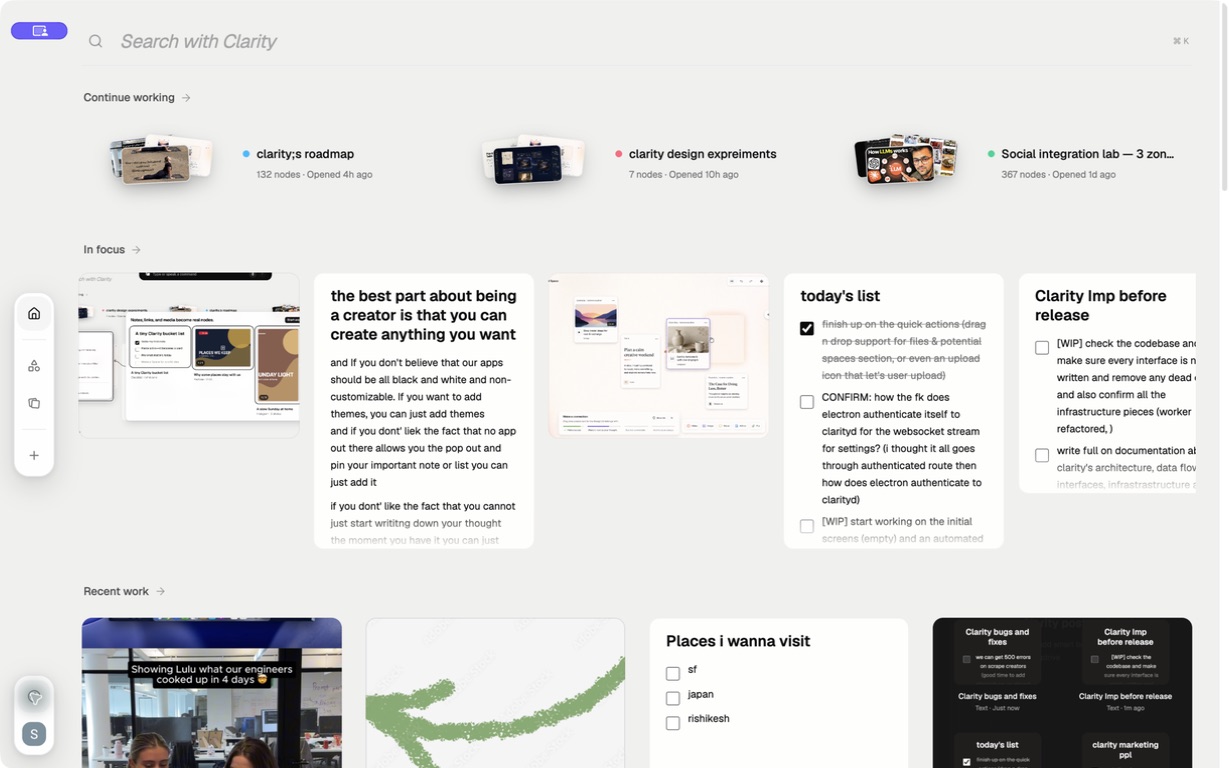
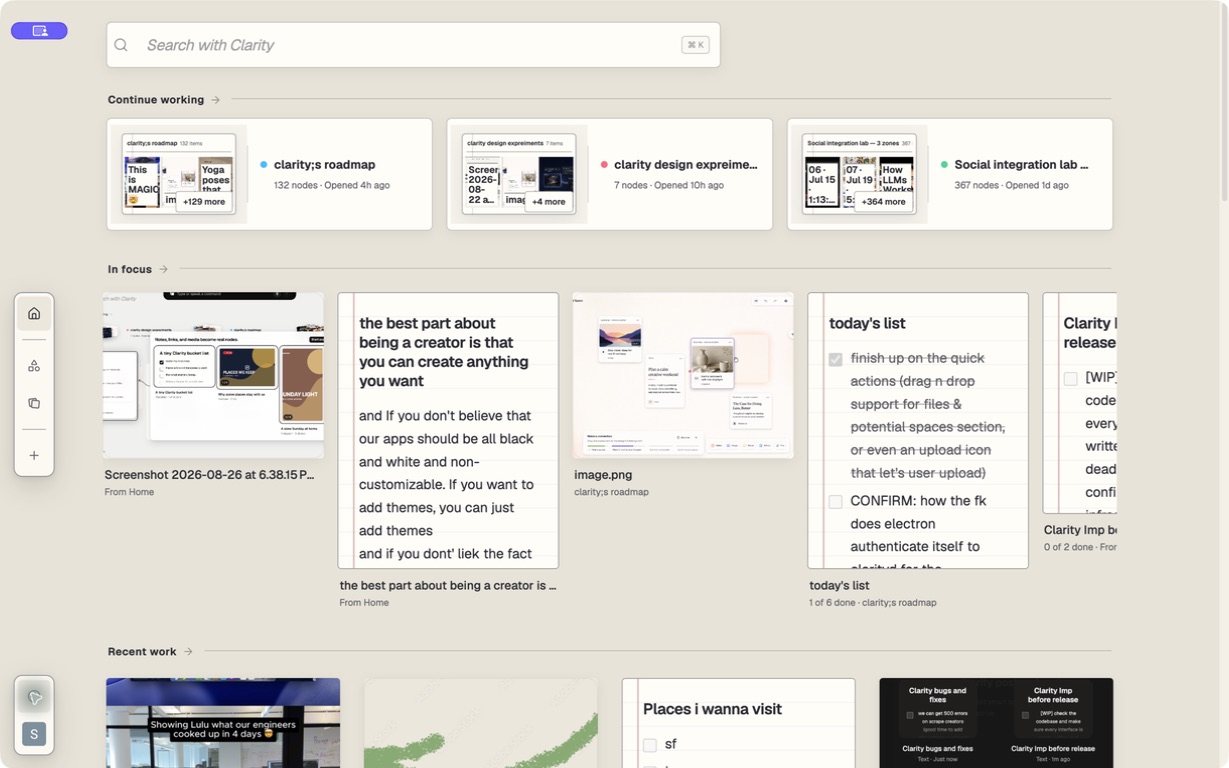
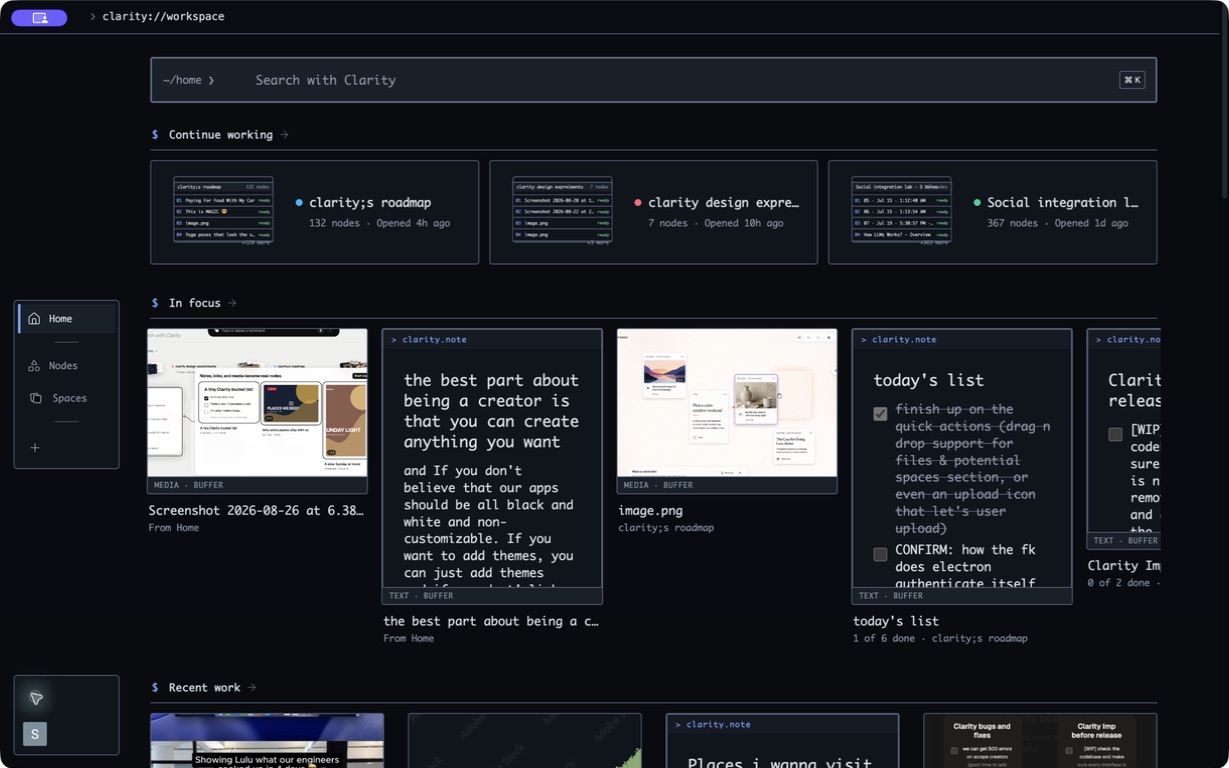
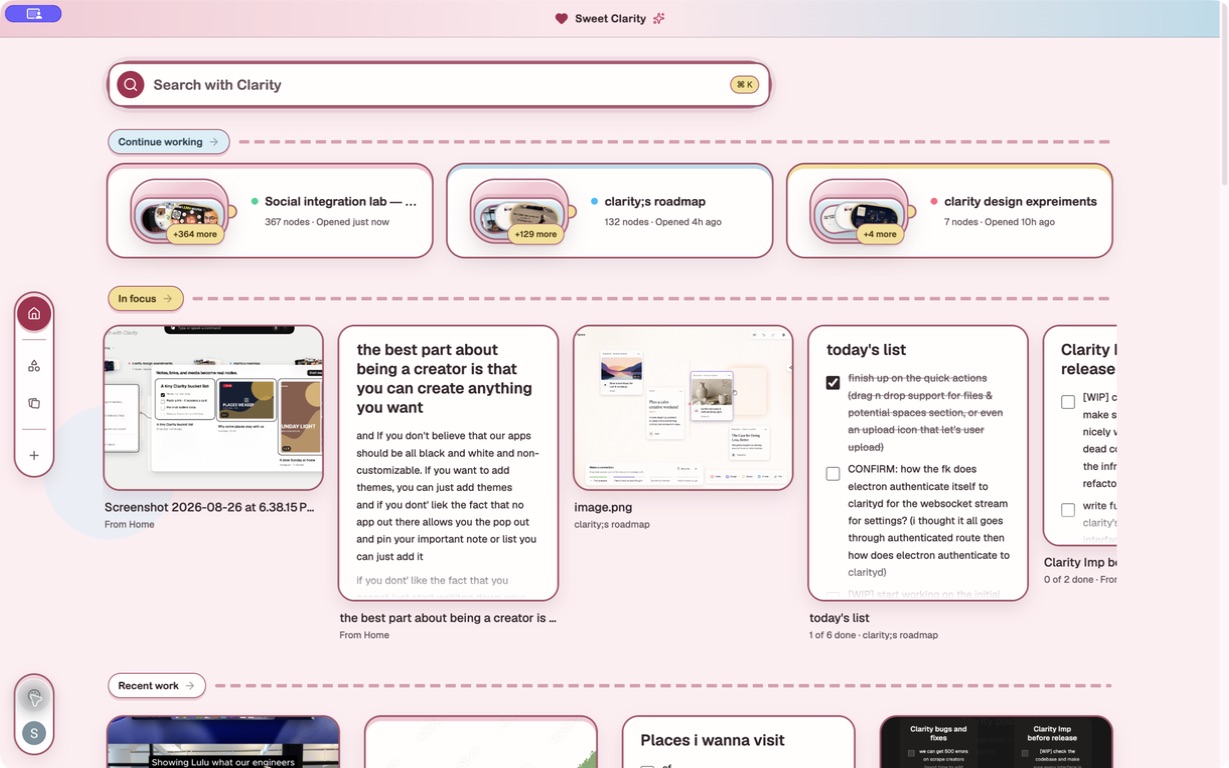
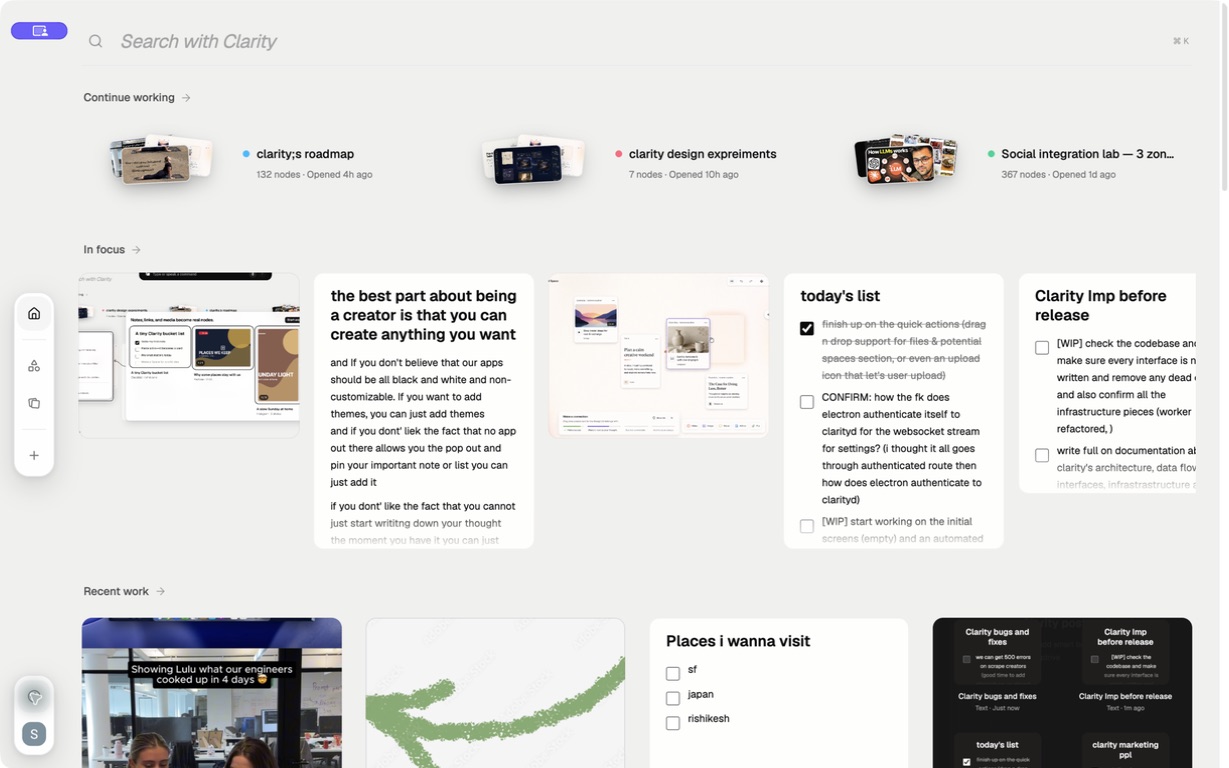
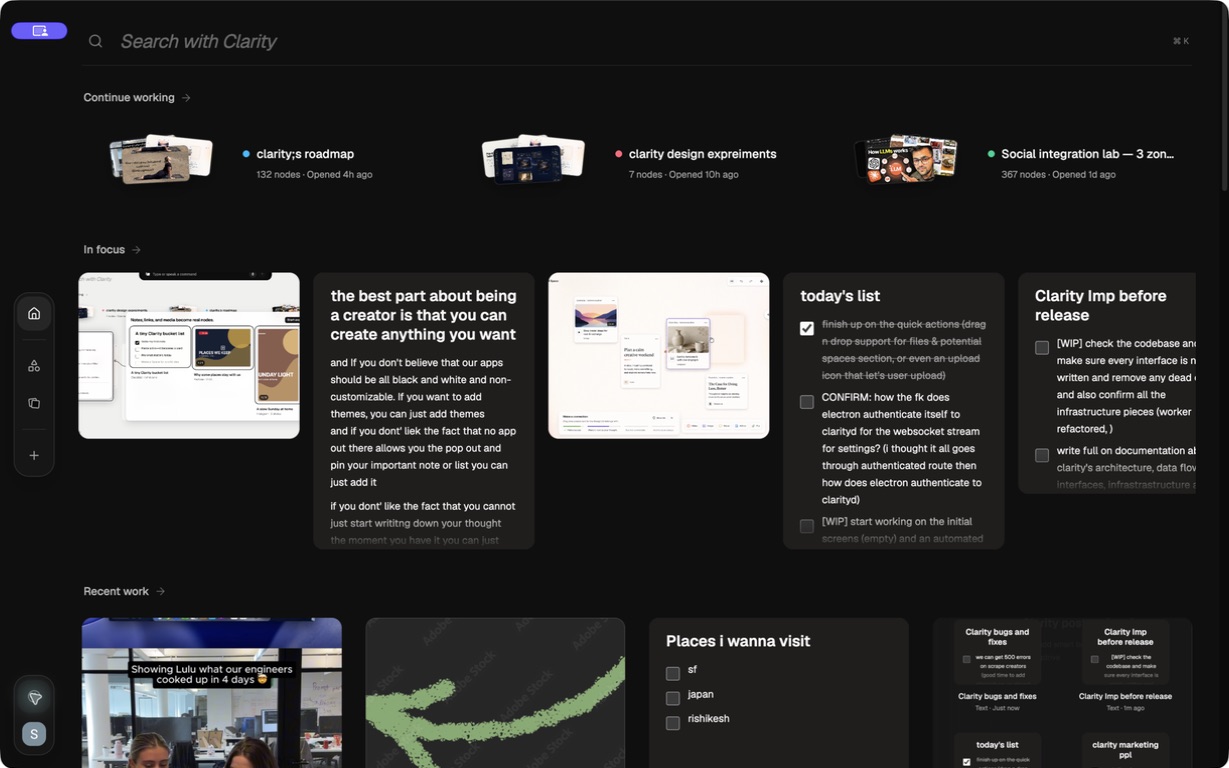
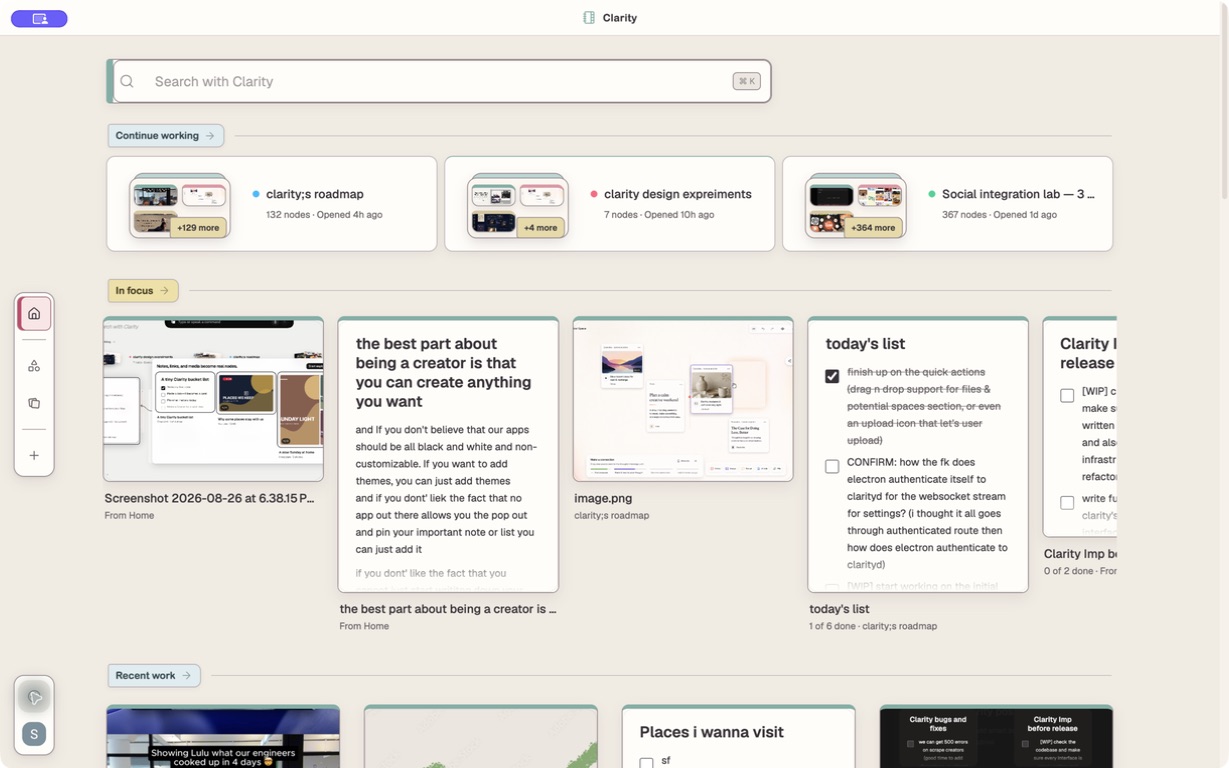
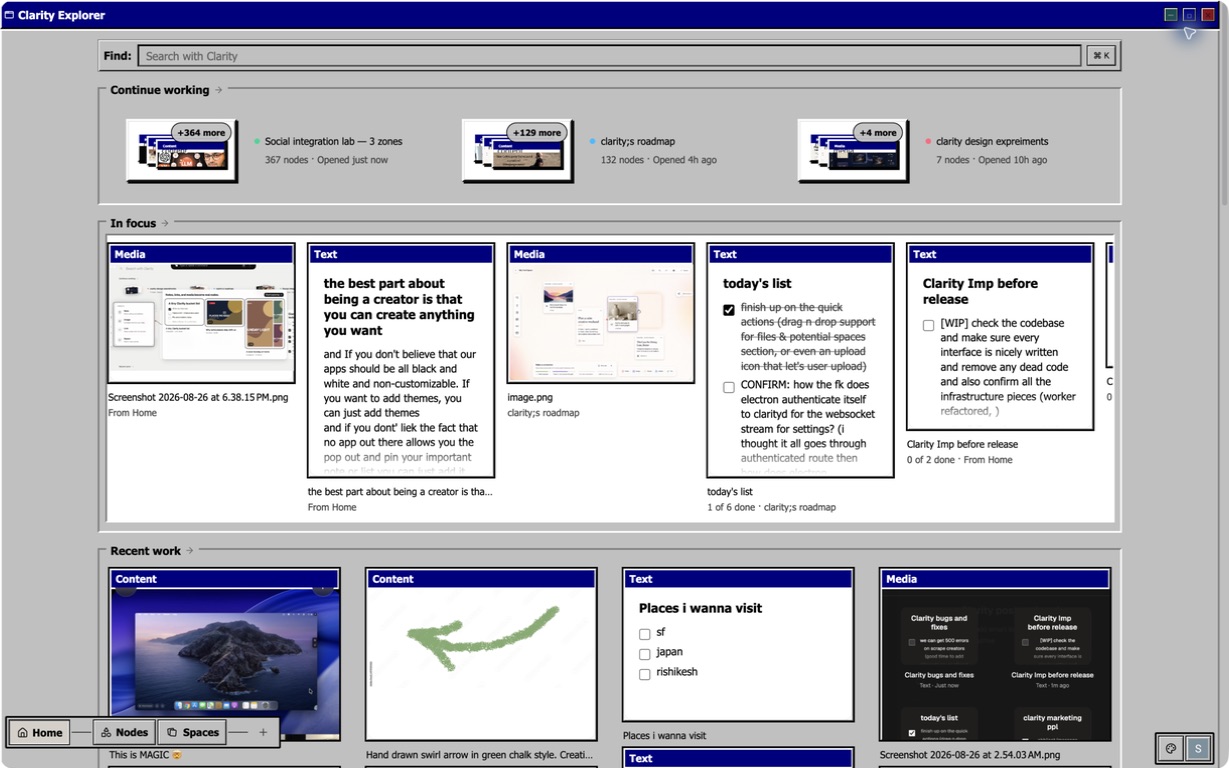
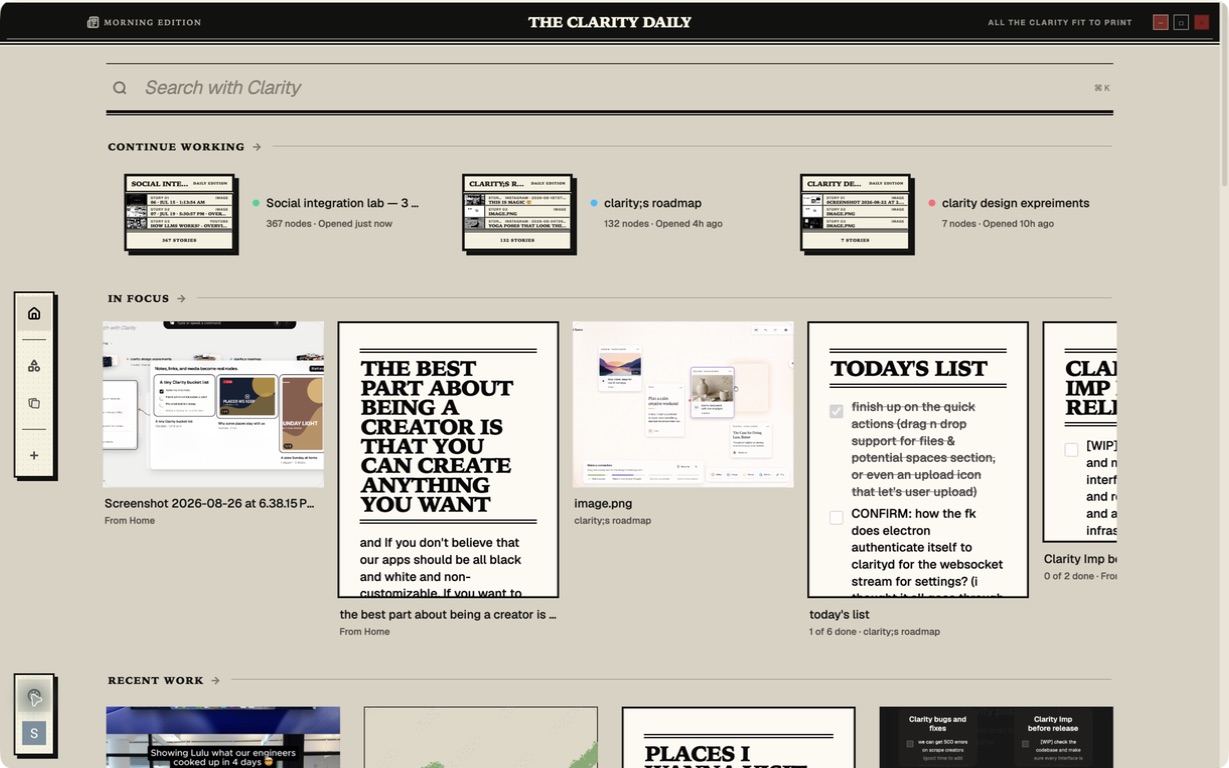
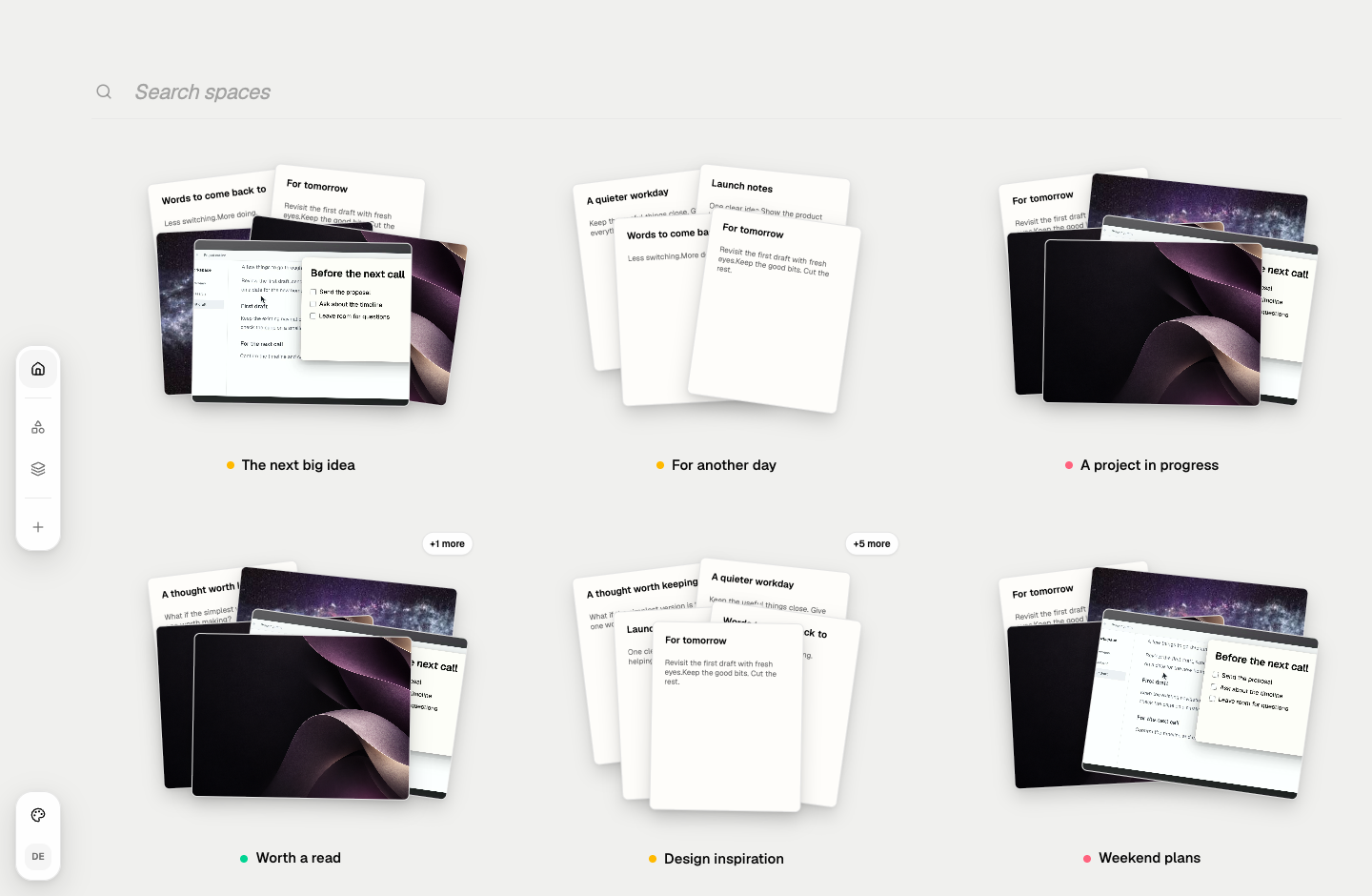
Popout in action. Home shown before the rename.Read the demo description
The cursor opens Quick Actions and chooses a checklist. It pops out above the work document and stays there as the document window is moved and scrolled. A task is checked off. The cursor clicks the pencil on the right-edge toolbar, which expands into a note editor. Search opens from the same edge, stays close while the query is typed, and finds the checklist. A recent note is clicked and pops out above the document. The original Clarity Home view gathers working Spaces, pinned notes, and recent work.
POP-OUT NOTES
Keep a note on top.
Read or edit it while you work. Close the window; your note stays saved.
01
QUICK ACTIONS
Jot something down.
Click the pencil. Start typing. It saves automatically.
02
QUICK SEARCH
Find a note. Fast.
Search your notes without switching apps.
03
RECENT NOTES
Pick up where you left off.
Open your recent notes in a click.
HOME
Out of the way. Not out of sight.
All your notes, links, and files, organized in one place.
Clarity Home, before the Popout rename.
THEMES
Make it yours.
Eight themes. Included in both plans.
Paper
Home captures from before the Popout rename.
COLLECTIONS
A place for each project.
Keep the notes, links, and ideas that belong together.
Pricing
Quick Actions. Starting at $2/month.
Notes, checklists, search, and floating windows are included in every plan.
START HERE
Seeker
For your notes, to-dos, and everyday little things.
Lookups fetch supported social posts. Writing notes does not use this allowance.
Seeker is $2 and Seeker Plus is $5 per month. Both plans renew monthly until cancelled. Cancellation takes effect at the end of the current paid period. Sales are final except for the narrow exceptions described in the Terms. Read our Privacy Policy.
For Mac & Windows
Download Popout.
Loading downloads…
Checking the stable release…
Questions?
How do I get started?
Download Popout for your computer, install it, and follow the setup steps. Use New note in Quick Actions to write your first note.
Which computers does Popout support?
Popout supports macOS 12 or later on Apple silicon and Intel Macs, and Windows x64. See the installation guide if you need help getting started.
How do billing and cancellation work?
Seeker is $2 and Seeker Plus is $5 USD per month, including tax. Plans renew monthly until cancelled. Cancellation takes effect at the end of the current paid period, so paid access continues until then.
What is the refund policy?
Sales are final except for the narrow discretionary or legally required exceptions described in the Terms of Service.
What happens when I click away or close a note?
Clicking away saves your Quick Actions note. Keep saves it and opens a floating window, pinned by default. Closing that floating window does not delete the note: find it again in Search, Recent notes, or Home.
Where can I get help or share feedback?
Email shibru127@gmail.com or use the support page. Please include the platform and Popout version when reporting a technical problem.